Expert consensus review
SkyTrak ST MAX Review
SkyTrak's photometric camera plus dual Doppler radar in a portable unit, with some of the best practice software for home golfers — strong if you will use the training tools and budget the membership.
What we like
- Dual Doppler radar plus photometric cameras for ball and club data
- Skills assessments, bag mapping, a wedge matrix, and randomized practice
- Speed Training powered by GOLFTEC is listed as exclusive to the ST MAX
- Dual USB ports so the unit can charge and transfer data at the same time
What to weigh
- Course play and the full practice suite sit behind a membership after the trial
- SkyTrak says no current iPhone will run course play
- Warranty is six months or 25,000 shots, whichever comes first
- Not a bag-pocket radar like the Garmin Approach R10
Scorecard
How scores are built- Accuracy 8.8
- Ease of use 8.2
- Value 8.3
- Build 8.4
- Software 8.5
This review weighs the manufacturer specifications, independent testing from across the golf equipment world, and long-term owner feedback, then scores the product against its closest alternatives. It is not presented as a GolfTested lab measurement.
Quick answer
We’d buy the SkyTrak ST MAX for a home golfer who will use the practice software, not just a carry number. SkyTrak lists dual Doppler radar, photometric cameras, and GOLFTEC speed training exclusive to this model. Skip it if you want a built-in screen or the cheapest portable radar.
What SkyTrak lists
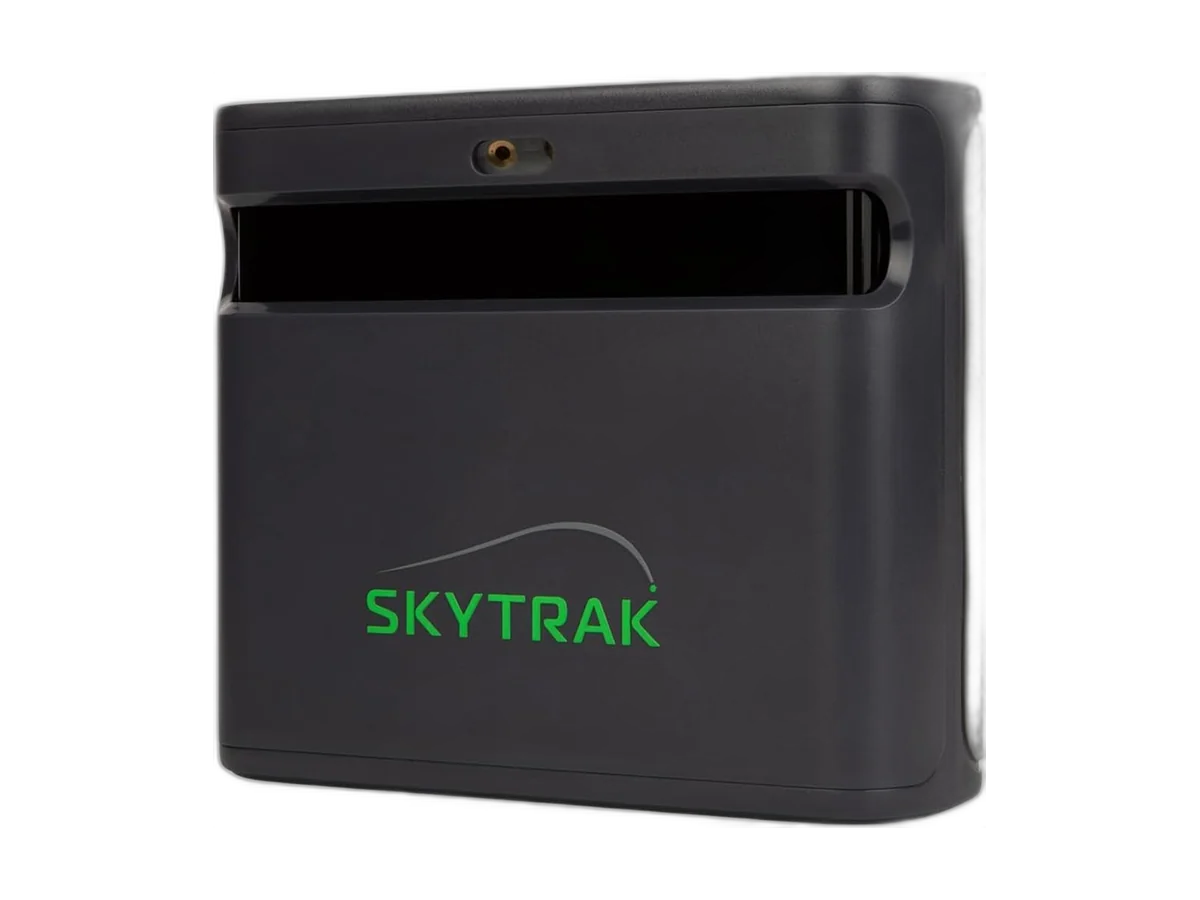
SkyTrak’s launch-monitor page describes the ST MAX as dual Doppler radar for ball and club data, plus photometric cameras for ball tracking. The same page lists a charcoal finish, a modular internal design, and dual USB ports that charge and transfer data at the same time. Speed Training powered by GOLFTEC is marked exclusive to the ST MAX: guided drills aimed at swing speed, not a second launch monitor.
Practice tools on the page are Skills Assessments, Bag Mapping, Randomized Practice, and a Wedge Matrix. That is the reason this unit sits above a bare carry number. If you will not open those tools, the hardware is more than you need.
SkyTrak’s own page was showing a sale price of $1,695 against a regular price of $2,995, and a banner for one year of Core membership with an ST MAX purchase, activated after you register the device. This review does not treat that banner as a permanent code. The buy box uses the catalog price. Check the live page before you assume the year of membership is still attached.
A separate line on the same page lists a 14-day trial: Sweetens Cove plus the game-improvement features, including GOLFTEC practice ranges. Trial and sale membership are not the same thing. Budget the renewal either way.
Computer, phone, and warranty
SkyTrak’s minimum spec is a broadband connection, Windows 10 or 11, an Intel Core i5 or better, 8 GB of RAM, and a GTX 1650-class graphics card. Recommended memory is 16 GB. The page says no VPN can be installed if you want the unit to connect, and that software 5.0 or later is required for the Foresight and Trackman Core and Elite plans.
macOS and iOS need an Apple M1 chip or better. SkyTrak says no current iPhone will run course play. A Mac can be the computer. A phone in your pocket is not the simulator.
The warranty on a new unit is six months or 25,000 shots, whichever comes first, and it covers defects under normal use. Physical damage or opening the unit voids it. There is also a 30-day satisfaction window, subject to SkyTrak’s return terms. That is a short warranty for a practice device you might hit every day. Count shots if you are a heavy user.
Who it is for
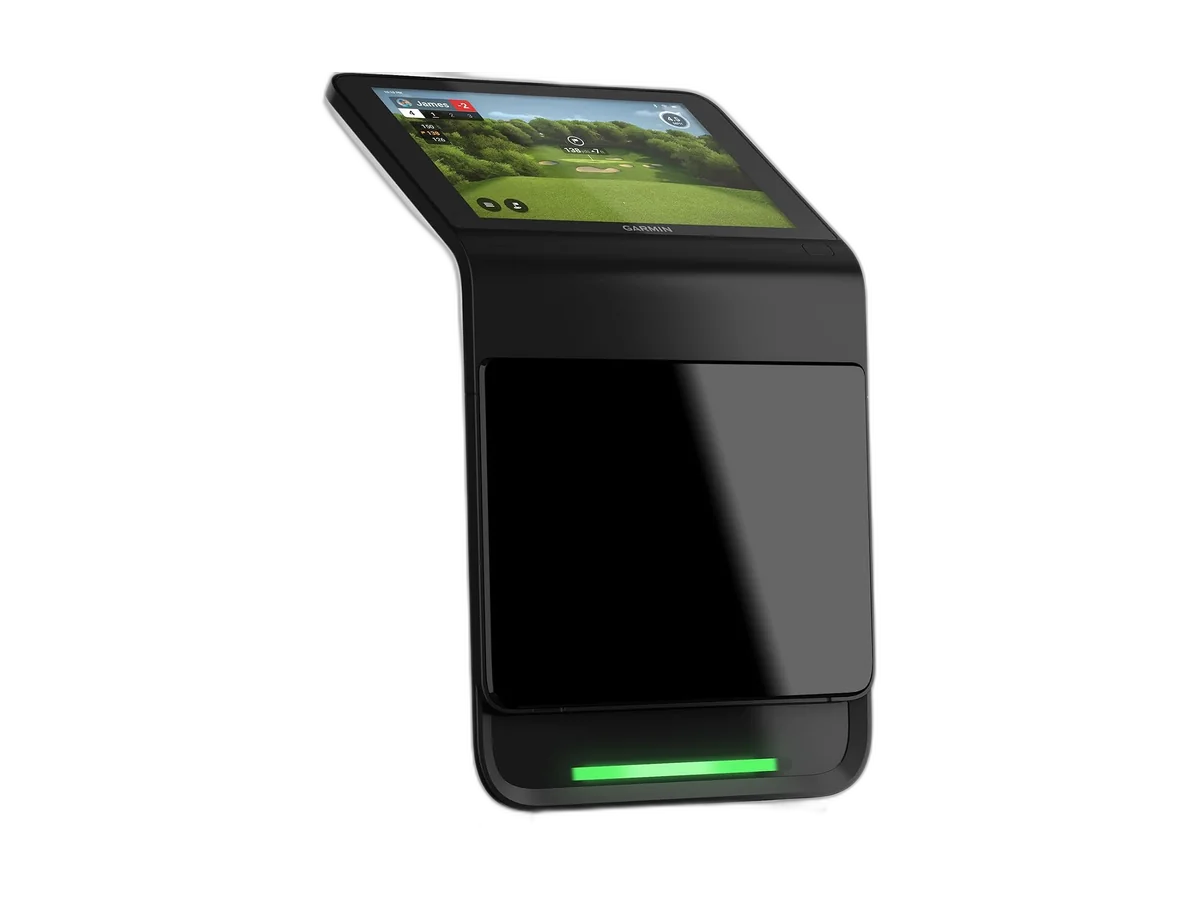
The ST MAX sits above the Rapsodo MLM2PRO and Garmin Approach R10 in price and below the Garmin Approach R50. Buy it if you want structured practice and will run SkyTrak’s software on a computer or a compatible tablet. Buy the R50 if the screen has to be on the device. Buy the R10 if the job is a number at the range.
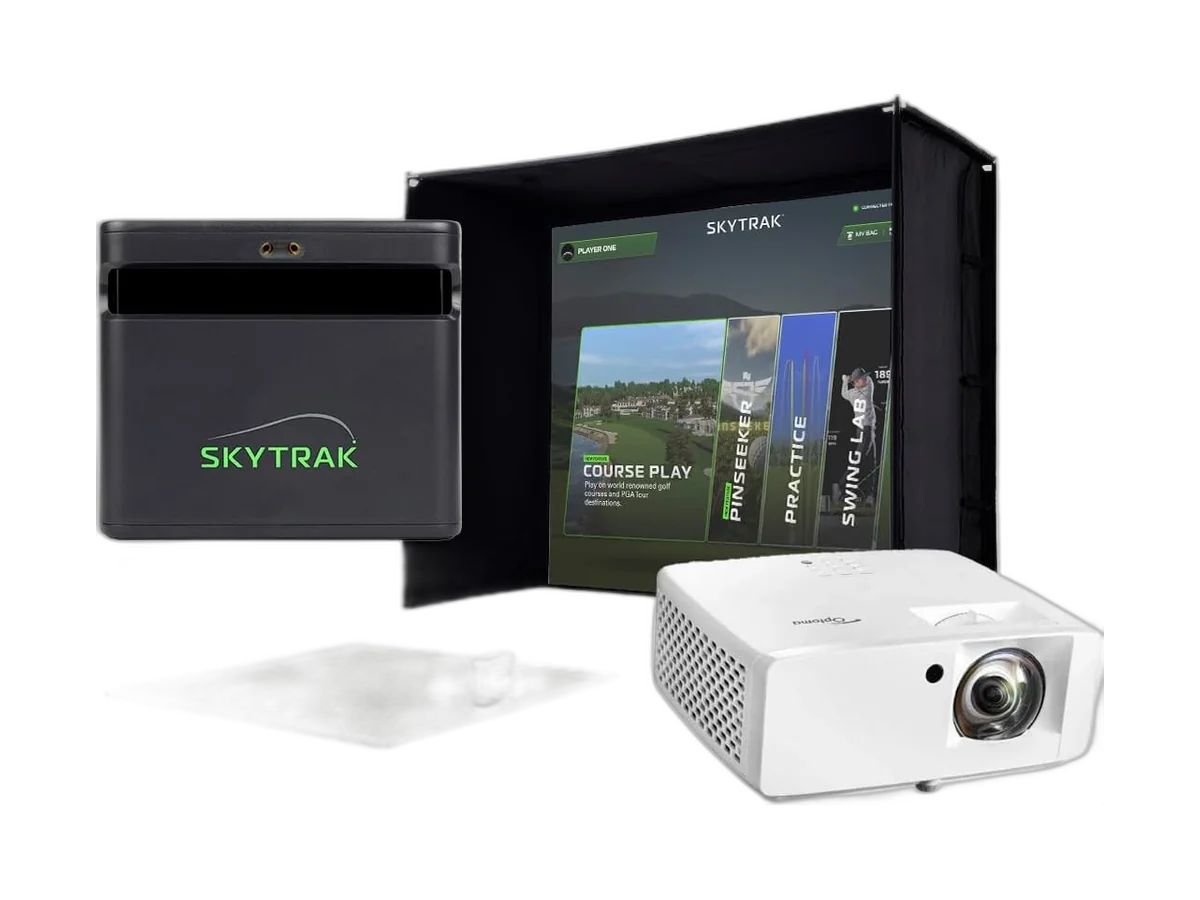
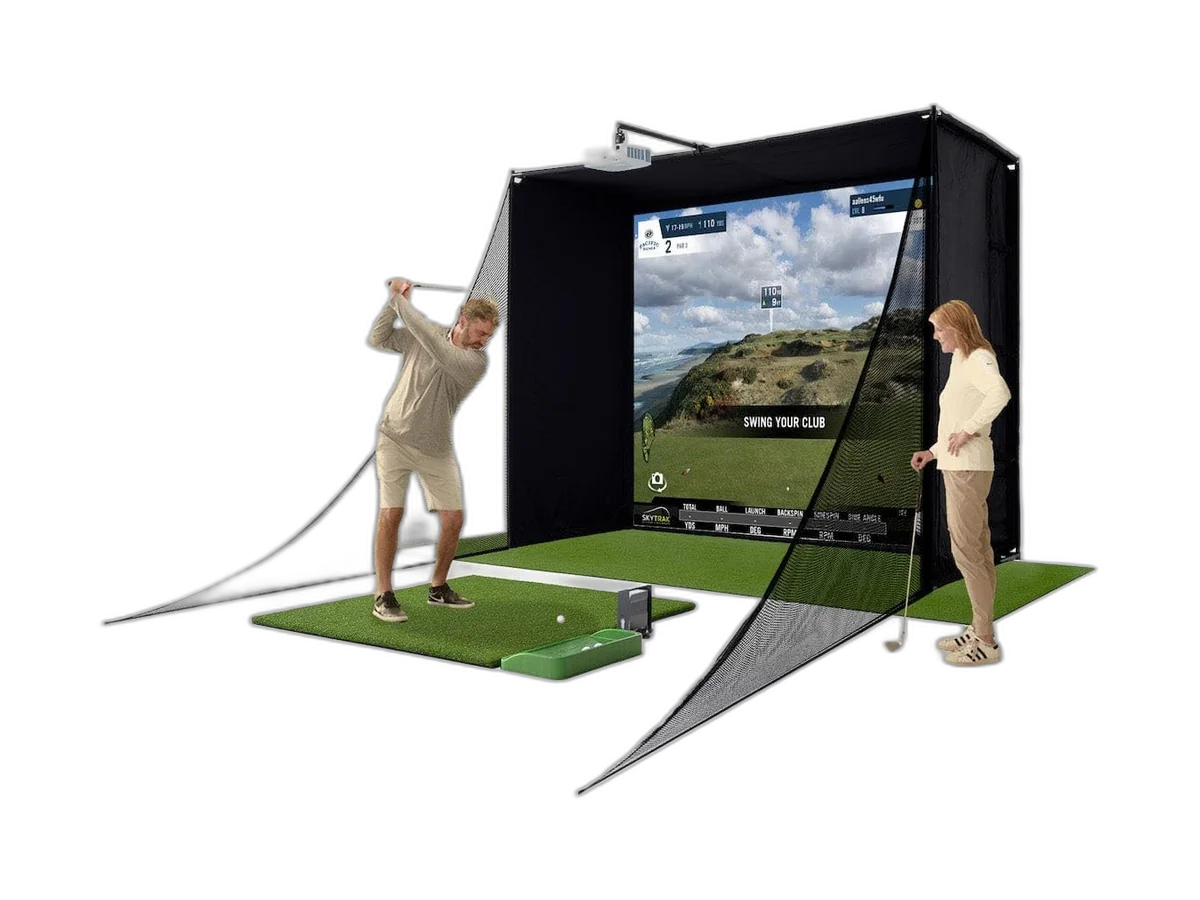
If you want the enclosure, screen, mat, and projector in the same order, that is the ST MAX Standard Studio Package, not this monitor alone.
A net and a mat still matter. Pair it with a surface such as the SIGPRO Softy and containment such as the Spornia SPG-7. Room planning is in the home simulator guide.
Verdict
The ST MAX is the SkyTrak you buy for the practice tools and the current sensor package. Skip it if you only want basic numbers for the lowest cost, or if you need the simulator to live on the device itself.
How we built this review: manufacturer specifications (SkyTrak ST MAX product page), independent testing from respected golf equipment reviewers, and long-term owner feedback, weighed against the closest alternatives.
Frequently asked questions
Does the SkyTrak ST MAX need a membership?
The product page lists a 14-day trial that includes Sweetens Cove and the game-improvement tools, including GOLFTEC practice ranges. After that, course play and the full suite need a plan. SkyTrak was also advertising a year of Core membership with an ST MAX purchase. Treat that as a current offer, not a standing price.
Will the SkyTrak ST MAX work on a Mac or iPhone?
SkyTrak says macOS and iOS need an Apple M1 chip or better, and that no current iPhone will run course play. Windows 10 or 11 is the listed desktop path. A VPN installed on the computer can block the connection.
What is new on the SkyTrak ST MAX?
SkyTrak lists dual Doppler radar, photometric cameras, a charcoal finish, dual USB ports for charging and data at once, and Speed Training powered by GOLFTEC as exclusive to this model. The page does not publish a side-by-side accuracy table against the older SkyTrak+.
SkyTrak ST MAX or Garmin Approach R50?
Buy the ST MAX if you want practice software and can run it on a computer or a compatible tablet. Buy the R50 if you want a built-in 10-inch screen and simulator play without a separate PC. The ST MAX is the lower hardware price. The R50 is the more self-contained bay.
Featured in our buying guides
Alternatives